
iPhone · Water eject
Speaker Dryer
Water in your speaker? Volume up, speaker facing down, then one tap. Honest wet-phone advice sits beside the tone, because a sound cannot fix a soaked phone.
Coming soon to the App Store
Read the guides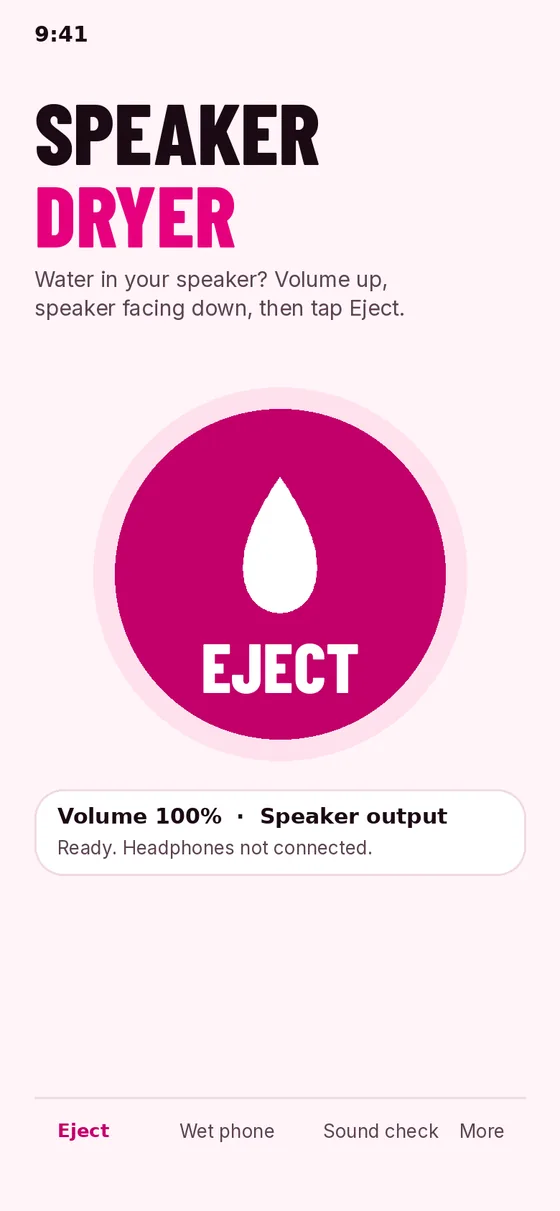
What it does
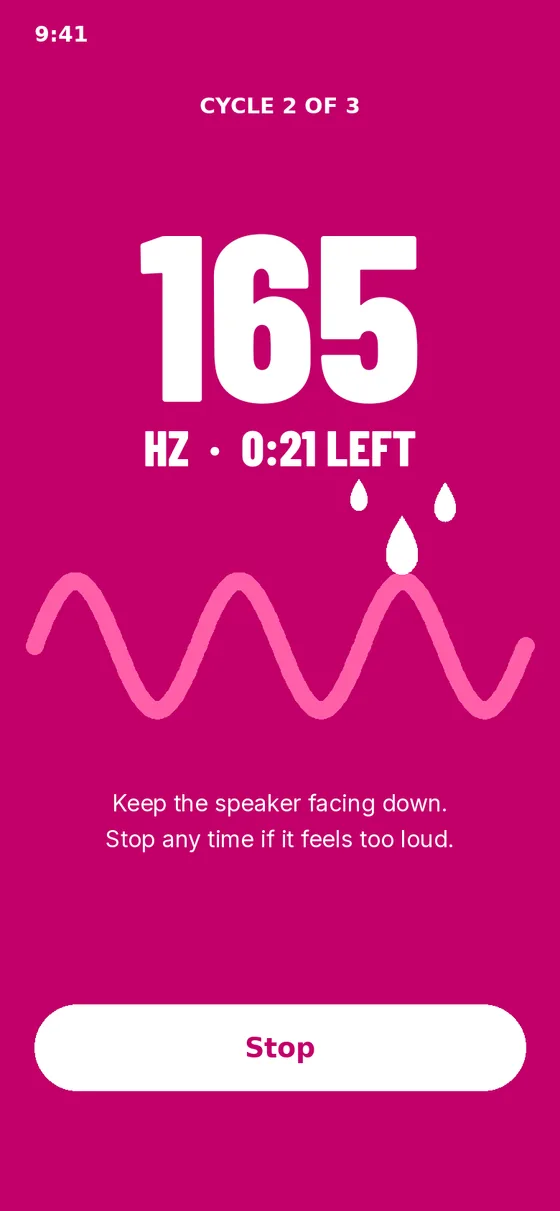
One-tap eject
Short, low-frequency tones through the iPhone's own speaker, with quick, deep, sweep, and pulse modes. A stop control stays on screen. Water only — no dust claims.
Wet-phone checklist
A plain checklist drawn from Apple's published advice: unplug, don't charge with a cable yet, point the port down, give it airflow. No rice, no heat, nothing pushed into the connector.
Dry timer
Local reminders for when it may be time to try charging again, based on Apple's 30-minute and five-hour guidance. Nothing is sent to a server.
Sound check
A simple left and right check so you can hear whether the speaker sounds clear, plus an optional noise meter labeled as an estimate, not a calibrated meter.
On iOS 18 and later, the “Eject Water” Control Center control and the “Eject Water” App Shortcut open the app. They collect no data.
What it does not do
Speaker Dryer does not repair water damage, dry the inside of the phone, or dry the charging port. It does not remove dust, lint, or dirt. It does not replace Apple Support or a repair. There are no guarantees, and the app is not affiliated with Apple.
Plans, with no trial tricks
The planned options are a yearly subscription, a weekly subscription, and a one-time lifetime purchase. There is no free trial. Prices will be shown in the app, in your local currency, before you buy, and are charged through your Apple Account. The wet-phone checklist is designed to stay readable without a plan. No ads. No account.
Guides for a wet iPhone
How to Get Water Out of an iPhone Speaker
Point the speaker down, let water drip, and follow Apple's drying steps. A short tone may help push droplets from the grille, but it will not repair liquid damage.
Does the Water Eject Sound Actually Work?
A low-frequency tone can vibrate an iPhone speaker and may move small water droplets out of the grille. It is not a guarantee, and it cannot remove dust or repair liquid damage.
What to Do If Your iPhone Gets Wet
Unplug cables, wipe the iPhone, tap the connector facing down, and leave it in a dry place with airflow. Follow Apple's steps. A speaker tone does not repair liquid damage.
Should You Put a Wet iPhone in Rice?
Apple says not to put a wet iPhone in a bag of rice, because rice particles can damage it. Use gentle tapping, airflow, and Apple's drying steps instead.
What to Do If You See a Liquid Detected Alert on iPhone
Unplug the cable, don't charge until the connector is dry, tap the port facing down, and wait. Apple's liquid-detection page explains the 30-minute and 24-hour waits.
A few straight answers
Does Speaker Dryer fix water damage?
No. It can play tones that may help move water droplets out of the speaker grille, and it can show Apple's published wet-phone advice with a dry timer. It does not repair hardware, dry the inside of the phone, or replace Apple Support.
Can it remove dust from a speaker?
No. Sound cannot remove dust, lint, or dirt. The app has no dust mode and does not claim to clean grime.
Does it dry the charging port?
No. A speaker tone does not dry a Lightning or USB-C connector. If you see a liquid-detection alert, unplug the cable and follow Apple's liquid-detection page.
Is there a free trial?
No. The planned plans are a yearly subscription, a weekly subscription, and a one-time lifetime purchase, with prices shown in the app before you buy. The wet-phone checklist is designed to stay readable without a plan.
Do I need an account?
No. There is no account, no sign-in, and no ads. Cleaning history stays on the device. Purchases go through Apple.